
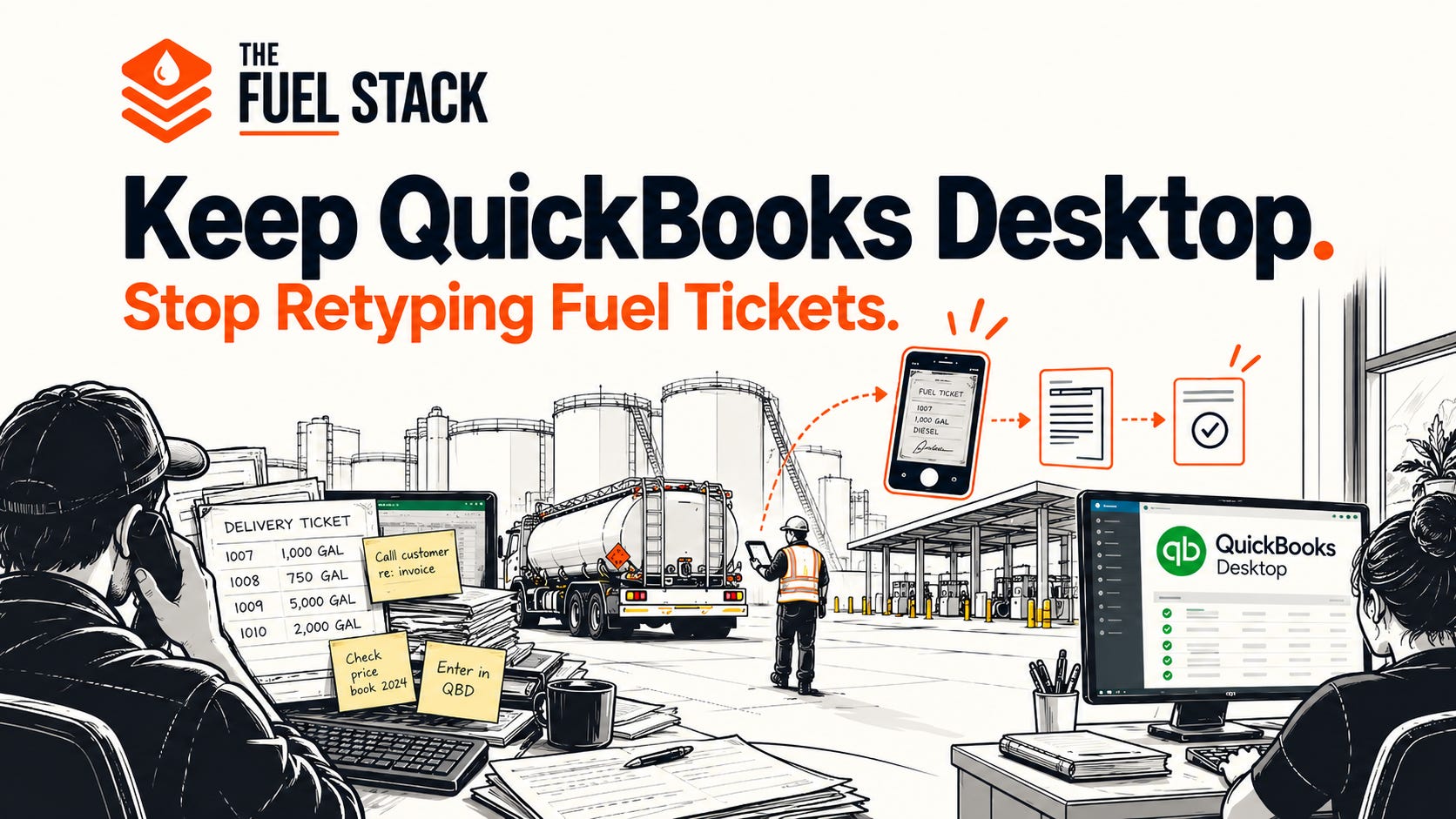
I’ve been talking with a fuel jobber on the East Coast who has run his business on QuickBooks Desktop for about eight years.
He keeps the books for more than one company in it. His bookkeeper knows every corner of it. His CPA knows the files. For accounting, it does the job.
What he wanted was simple. Better dispatch. Fewer lost tickets. Invoices out the same day.
So he started talking to software vendors. And the conversations kept drifting in the same direction.
A full fuel ERP. A long implementation. A new accounting system. Lately, an AI package on top.
And almost always, the same line.
“Of course, we’d need to move you off Desktop.”
He came looking to fix dispatch and billing. He ended up looking at an accounting conversion too.
I understand why he hesitated.
An owner can want a better operation without wanting a different set of books.
Big systems, small offices
Fuel ERPs can do a lot. For some companies, they’re the right call.
But the cost adds up fast. Licenses. Implementation. Data migration. Training. Months of your best people running the old way and the new way at the same time. And now AI tiers and add-ons on top.
For a jobber with a dozen trucks, a small office, and a bookkeeper who already knows QuickBooks, that math often doesn’t fit.
I’ve seen operators in this industry go through big system changes, spend real money, and quietly go back to what they had. Not because they didn’t want to improve. Because trucks still had to leave the yard every morning while everyone learned a new way to work.
Replacing books that already work is an expensive way to fix a dispatch problem.
The real work happens before QuickBooks
Here’s where the day actually goes.
The order comes in by phone. Dispatch writes it on a pad or a spreadsheet. The driver gets the details by text.
After the drop, the office needs the gallons, the signed ticket, the customer’s PO, and the right price. The supplier BOL has to be tied back to the load.
Some of that is on a driver’s phone. Some is in an email. Some is in somebody’s head.
Then the questions start.
“Was that rack plus eighteen or twenty-two?”
“Does this customer want a separate invoice per site?”
“Does this drop get the minimum delivery fee?”
“Where’s the signed ticket?”
Billing rebuilds the delivery from scraps. Then someone types it all into QuickBooks.
And it costs more than time. A missed fee is lost margin. A missing ticket holds the invoice. A wrong price turns into a credit and another phone call.
The truck finished its job at 10am. The office is still finishing the paperwork at 6pm.
None of that is QuickBooks’ fault.

Still running on QuickBooks Desktop?
Some of the best-run fuel offices I’ve seen are on Desktop. The books are clean. The bookkeeper knows every account.
The trouble usually starts before the invoice. Tickets on drivers’ phones. Prices in someone’s head. Gallons in a text.
If that sounds like your office, I’d like to hear about it. Send me one delivery and I’ll walk through how it could run without retyping.
Dibyesh G.
Fix the operation first. Move the books later.
One operator I work with was running three systems for their books. QuickBooks Desktop for the general ledger, legacy software for AR and AP, and QuickBooks Online for their CPA.
Changing everything at once would have buried the team. So they went in stages.
This is how we approach it at Fueleo. Fix the operation first. Leave the books alone until the team is ready.
First, we moved their dispatch, delivery capture, and billing into Fueleo. Drivers captured gallons and tickets in the field. Billing reviewed everything in one place.
They didn’t want to give up their Desktop file. So we built Fueleo Connect, a bridging agent that runs in their office and connects QuickBooks Desktop to Fueleo. Billing approved the invoice once, and it landed in the same company file their bookkeeper had used for years.
Once the team was comfortable, they moved the rest of their accounting to QuickBooks Online.
The part that stuck with me: when they switched to QBO, dispatch and billing didn’t change. Drivers worked the same way. Billing approved invoices the same way. Only the destination changed.
That was their path. Another operator might stay on Desktop for years. Both are fine.
Fix the operation on your timeline. Move the books on yours too.
When QBO makes sense
For most Desktop users, QuickBooks Online is the natural next stop. Not necessarily a full ERP.
The clock is worth knowing. Intuit stopped selling new Desktop Pro Plus and Premier Plus subscriptions in 2024. If you’re on Desktop 2023, support and connected services like payroll and bank feeds ended May 31, 2026. If you’re on 2024, you’re covered through September 2027.
So plan for it. Just don’t let it become the price of fixing dispatch and billing today.
If the operation is running clean, moving your books later is a much smaller project.
Ask how it handles a bad day
Whatever you look at, any connection to QuickBooks looks good in a demo. Ask what happens when things go wrong.
What if the QuickBooks computer is off? How does billing know an invoice didn’t post? What stops a retry from creating a duplicate? If you run several companies, how does each invoice land in the right file?
Your billing team should always be able to see what posted, what’s waiting, and what needs attention.
If nobody can show you that, keep asking.
Follow one delivery this week
Pick one delivery from this week. Follow it from the customer’s call to the posted invoice.
Write down every time someone retyped, searched, called, or waited.
Take that list into your next software conversation. Ask them to walk through that exact delivery, including the missing PO and the day QuickBooks is offline.
You don’t need to defend a system that still serves your business. You need a clear answer on how the work gets easier.
If QuickBooks is keeping your books straight, fixing dispatch and billing shouldn’t start with tearing it out.